
Hello world 🤟🏻 my name is Francisco, fcoterroba on the Internet and today I’m bringing you a half post half news article in which we’re going to talk about a library that’s very trendy right now in the web development sector.
I know you like posts much more when we talk and create a new project from scratch, but we also need to make room for important industry news, and that’s why today we’re going to talk about PyScript.
Before we begin, as it couldn’t be otherwise, if you haven’t seen it yet, I highly recommend you go watch the latest video I have on my YouTube channel where I explained, in a very simple and concise way, how to install a smart light bulb 🧠 with which you can change its color, control it with your own voice, and much more! You can watch it here 👇🏻
Finally, before we begin, I wanted to let you know that I’ve been uploading videos to TikTok for a few weeks now. Lately they’re about Eurovision since it’s coming up soon, but I’ll leave you here the latest one I made today about computer science.
@fcoterroba like for part 2#fyp #parati #computer science
Before we begin, what is a JavaScript framework?
In short, a Framework is a pre-existing structure that can be leveraged to develop a project. A Framework is a kind of template, a conceptual scheme, that simplifies the execution of a task, since you only need to complement it according to what you want to achieve.
Generally, frameworks are used by programmers because they allow you to speed up work and make it collaborative, reduce errors, and get a higher quality result. But don’t think these structures are only for the IT department, not at all—in the online world there are frameworks for practically everything: to define a customer’s purchase journey, to apply improvements to a digital product and get more conversions… And the thing is, nowadays, automation is the key to making any work process fast and effective without losing a bit of quality.
In summary, a framework is a simple work framework with which to start developing a superior idea starting with the simplest bases correctly established. We forget about all the most tedious part of programming.
What is Py-Script?
It’s widely known in the industry that for web programming, what’s used is, at least on the client side, JavaScript.
It’s the only programming language that Internet standards accept today, but with Py-Script we go a bit further.
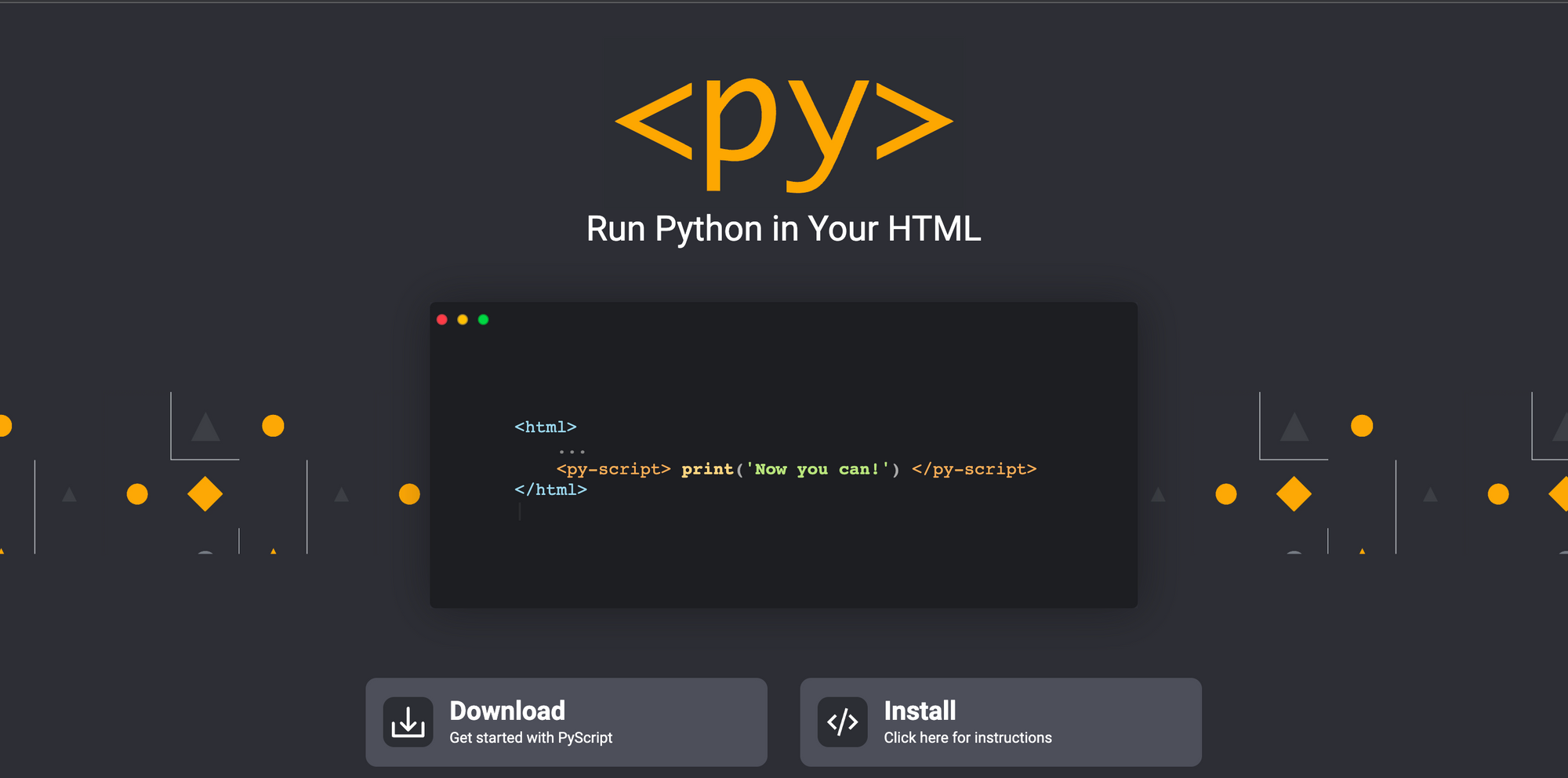
Developed by the Anaconda team, “it’s a way to include Python with HTML and other languages in the browser.” This means you can write and run Python code with HTML, interact with JavaScript libraries in PyScript, and do all development in PyScript.
Without needing to run code from the server side, you can now run Python from the browser side.
It’s true that it’s still treating Python as a container within JavaScript, since, as we’ll see later, for this to work, we must previously import a tag using JavaScript. But it’s really cool to see the possible advances of the language.
Also, to complicate things a bit more and keep passing the buck to Py-Script. We should know that this framework is nothing more than a technology dependent on another, the famous Pyodide. Technology that uses Node.js and webassembly behind the scenes.
This environment already comes with common libraries like numpy, pandas, scikit-learn, and much more. Also, it has bidirectional communication between the Python and JavaScript environment
It’s important to emphasize that the developer has absolute control when choosing which packages and files to load in the environment.
Let’s see some examples
Hello World
Let’s start with the basic example, a hello world:
<!DOCTYPE html>
<html lang="en">
<head>
    <meta charset="UTF-8">
    <meta http-equiv="X-UA-Compatible" content="IE=edge">
    <meta name="viewport" content="width=device-width, initial-scale=1.0">
    <title>Document</title>
</head>
<body>
    <link rel="stylesheet" href="https://pyscript.net/latest/pyscript.css" />
    <script defer src="https://pyscript.net/latest/pyscript.js"></script>
    <h1>Hello world</h1>
    <h2>Let's add the current date and time</h2>
    <py-script>
        from datetime import datetime
        now = datetime.now()
        now.strftime("%m/%d/%Y, %H:%M:%S")
    </py-script>
</body>
</html>
We can also do calculations in the same document
<!DOCTYPE html>
<html lang="en">
<head>
    <meta charset="UTF-8">
    <meta http-equiv="X-UA-Compatible" content="IE=edge">
    <meta name="viewport" content="width=device-width, initial-scale=1.0">
    <title>Document</title>
</head>
<body>
    <link rel="stylesheet" href="https://pyscript.net/latest/pyscript.css" />
    <script defer src="https://pyscript.net/latest/pyscript.js"></script>
    <h1>Hello world</h1>
    <h2>We can do all the calculations</h2>
    <py-script>
        print("2+2 = " , 2+2)
        print("32-12 = " , 32-12)
        print("8*4 = " , 8*4)
        print("240/5 = " , 240/5)
    </py-script>
</body>
</html>
And much more!
Remember that it’s still in very early stages, so there are things that aren’t there yet, but it’s amazing to see how far web development is going!
🏁 End of post 🏁
And that’s all for today. Thanks for reading until the end, I hope it was useful and you liked it. See you soon!
You can contribute financially via Paypal. Any amount is truly appreciated! 🙂
I also hope you have a great week and we’ll see each other here soon! Greetings and remember to follow me on social media like Twitter, Facebook, Instagram, GitHub, LinkedIn and now also on TikTok. 🤟🏻
Sources: rockcontent.com, edix.com, pyodide.org, analyticslane.com, devjaime.medium.com, platzi.com